Maze
Find your way to the star!
For grown-ups: Guide the explorer with big arrow buttons, swipes or the keyboard. Builds planning, direction words and patience.
Free games · Ages 4–9
Five free puzzle games for curious kids
Mazes, word search, mini sudoku, spot the pattern and matching pairs — big buttons, happy sounds and stars for every finish. Plays right in the browser on phones, tablets and computers.
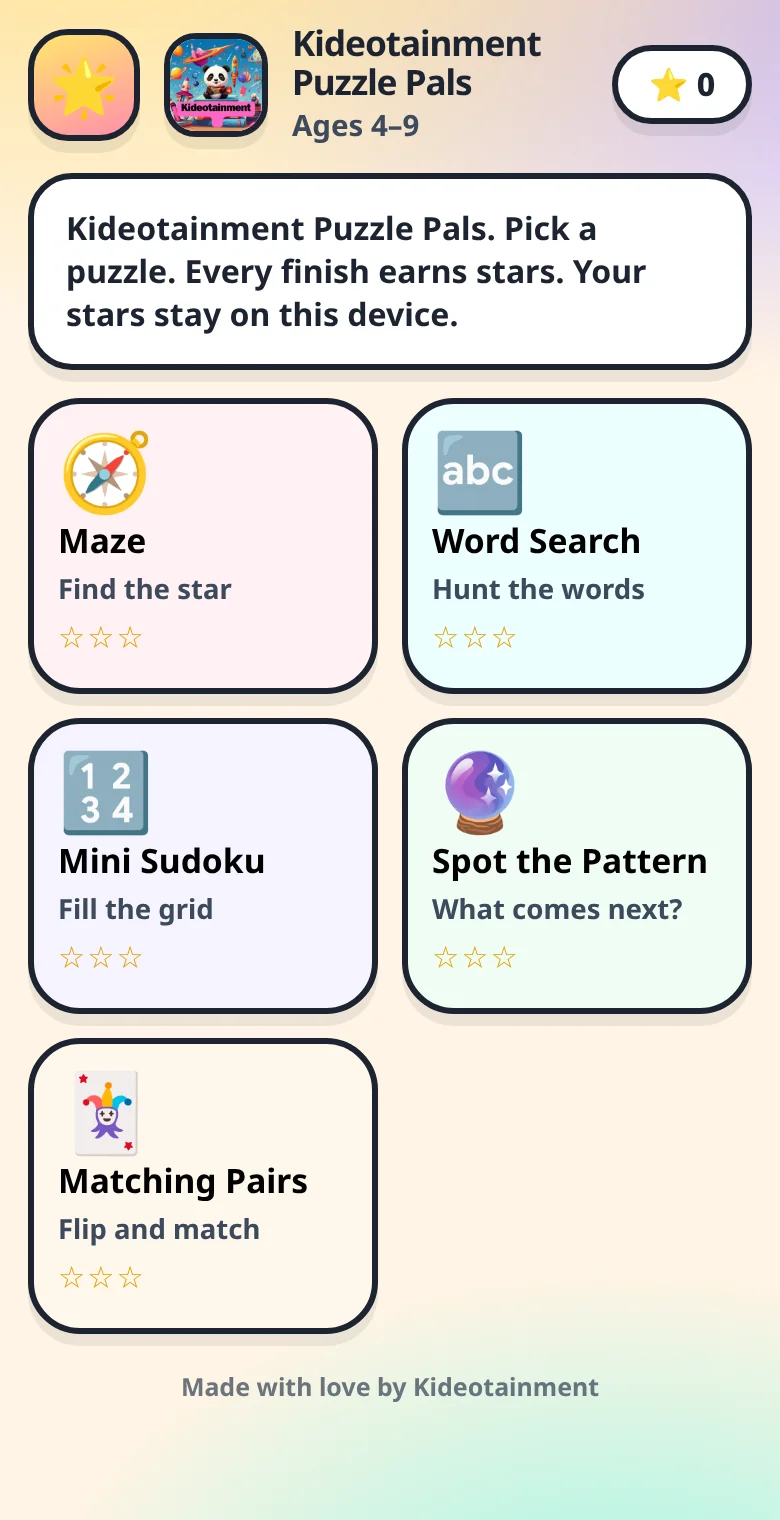
Five games in one
Choose an easy or harder level, so little ones can start simple and grow into a challenge. Every puzzle is freshly made, so there's always a new one to try.
Find your way to the star!
For grown-ups: Guide the explorer with big arrow buttons, swipes or the keyboard. Builds planning, direction words and patience.
Hunt for hidden words.
For grown-ups: Drag across letters to find animals, fruit, colours and space words. Great for letter recognition and early spelling.
Fill the grid — no number twice!
For grown-ups: Friendly 4×4 grids for ages 4–6 and 6×6 grids for ages 7–9 — logic and number sense without the overwhelm of a full sudoku.
What comes next?
For grown-ups: Pick the missing piece in a sequence of shapes, colours and numbers — it gets trickier as you go. Early maths thinking in disguise.
Flip, remember, match!
For grown-ups: A classic memory game with 6, 12 or 16 cheerful cards. Strengthens concentration and short-term memory.
Ready?
No downloads or accounts needed — tap and start puzzling.
▶ Play freeHome-screen magic
Puzzle Pals can sit on your home screen with its own icon, open full-screen, and keep working without Wi-Fi once it has loaded. No app store needed.
On a computer? Chrome and Edge show an install icon in the address bar — or just bookmark the page.
For parents
Puzzle Pals is designed to be calm, simple and safe.
No accounts and no personal details. Stars and settings are stored only on your device.
Big, chunky buttons and clear pictures, so pre-readers can play on their own.
Press and hold the star logo in the app to turn sounds on or off and reset progress.
Loved the puzzles?
Keep the momentum going with our playful learning apps and printables — times tables, friendly learning assistants and more. Printable puzzle books are coming soon!